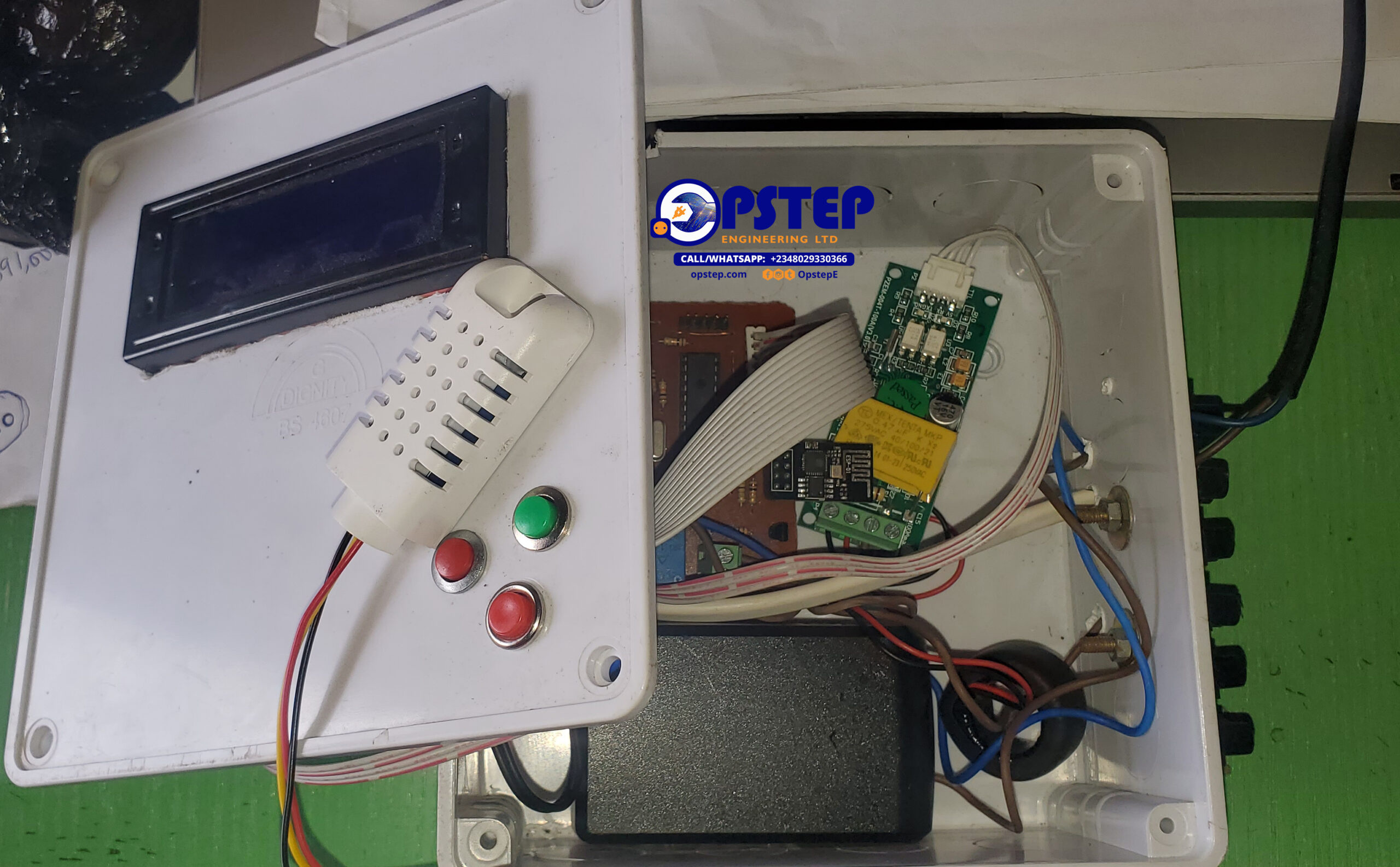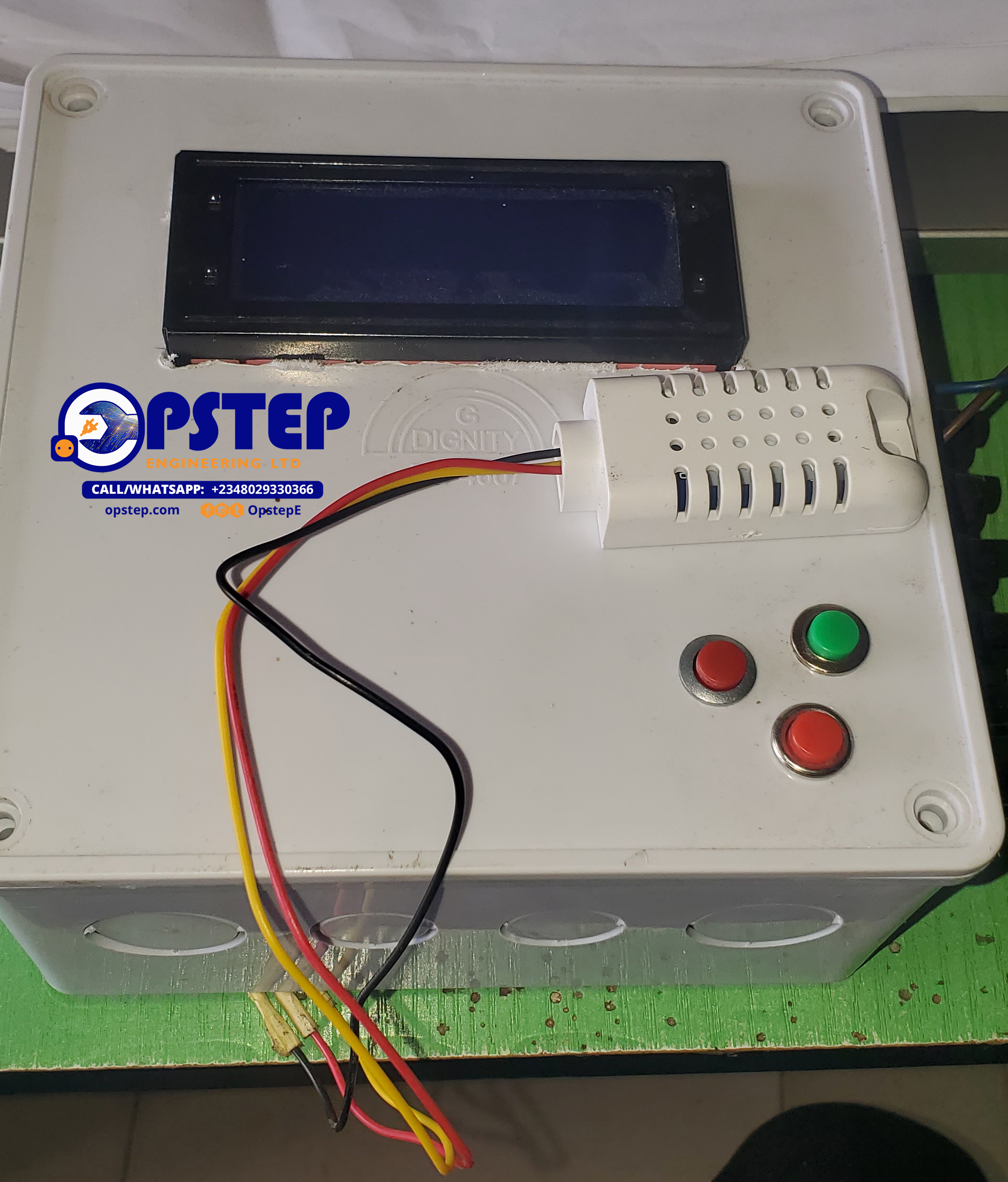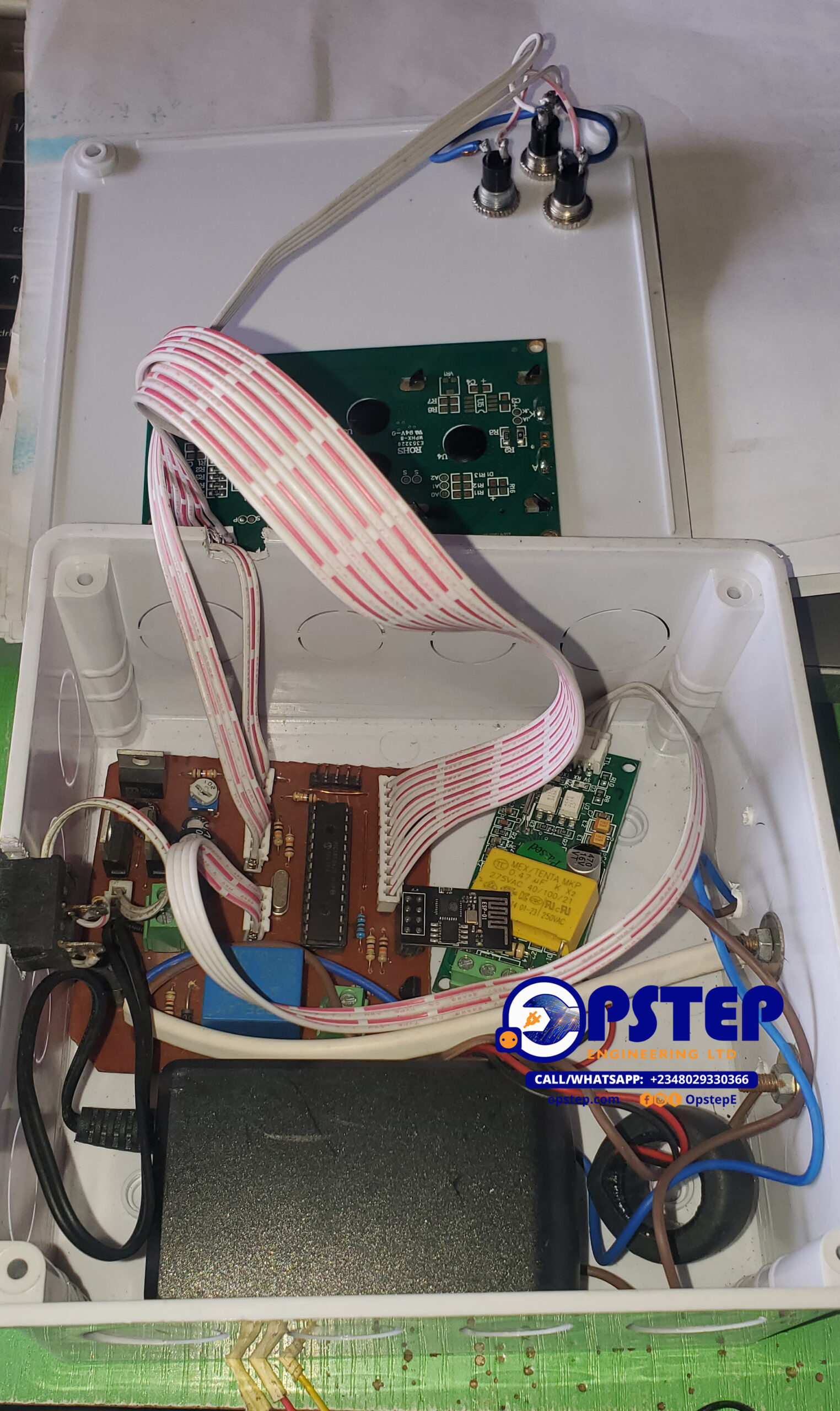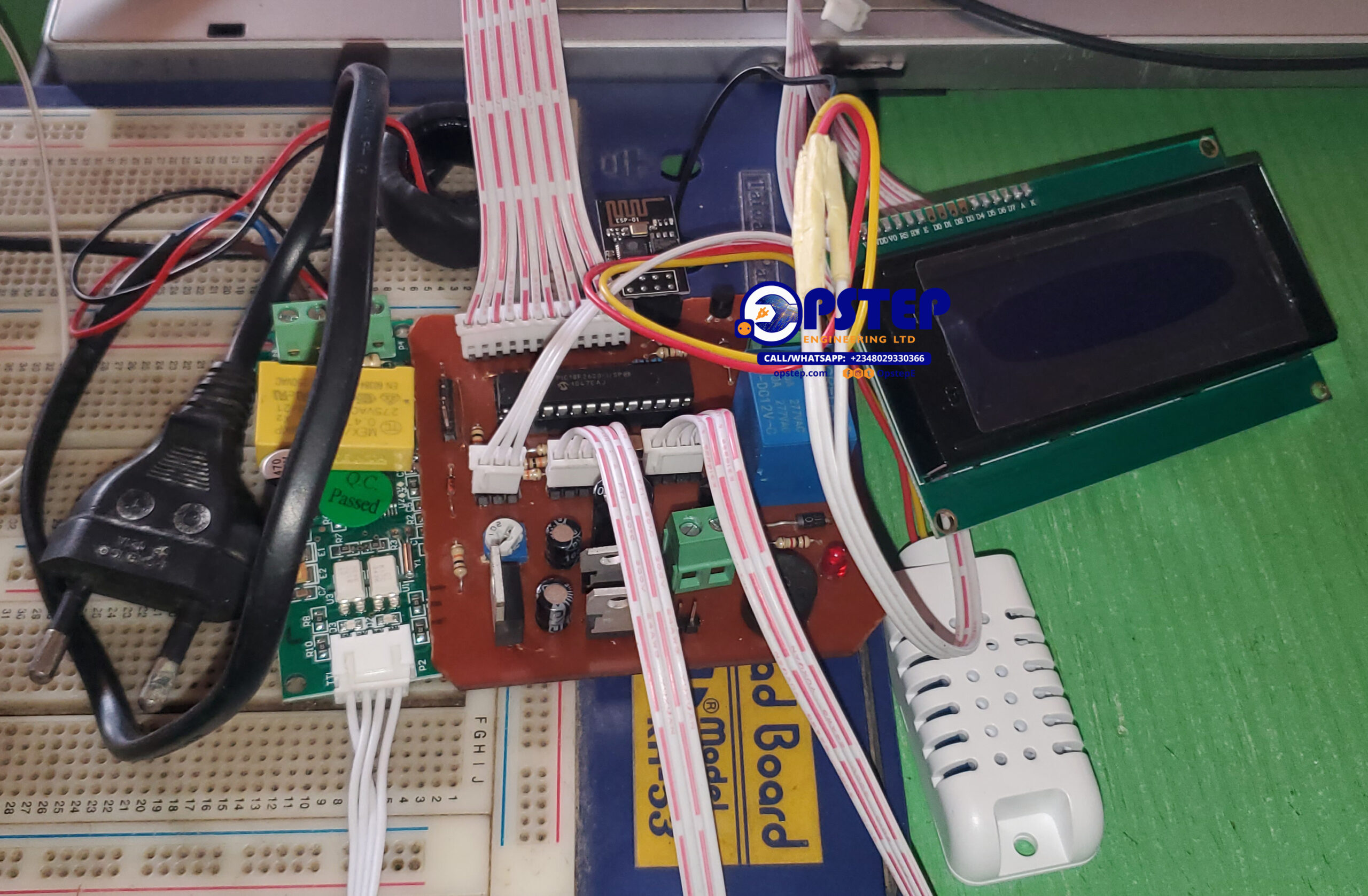
Project Overview
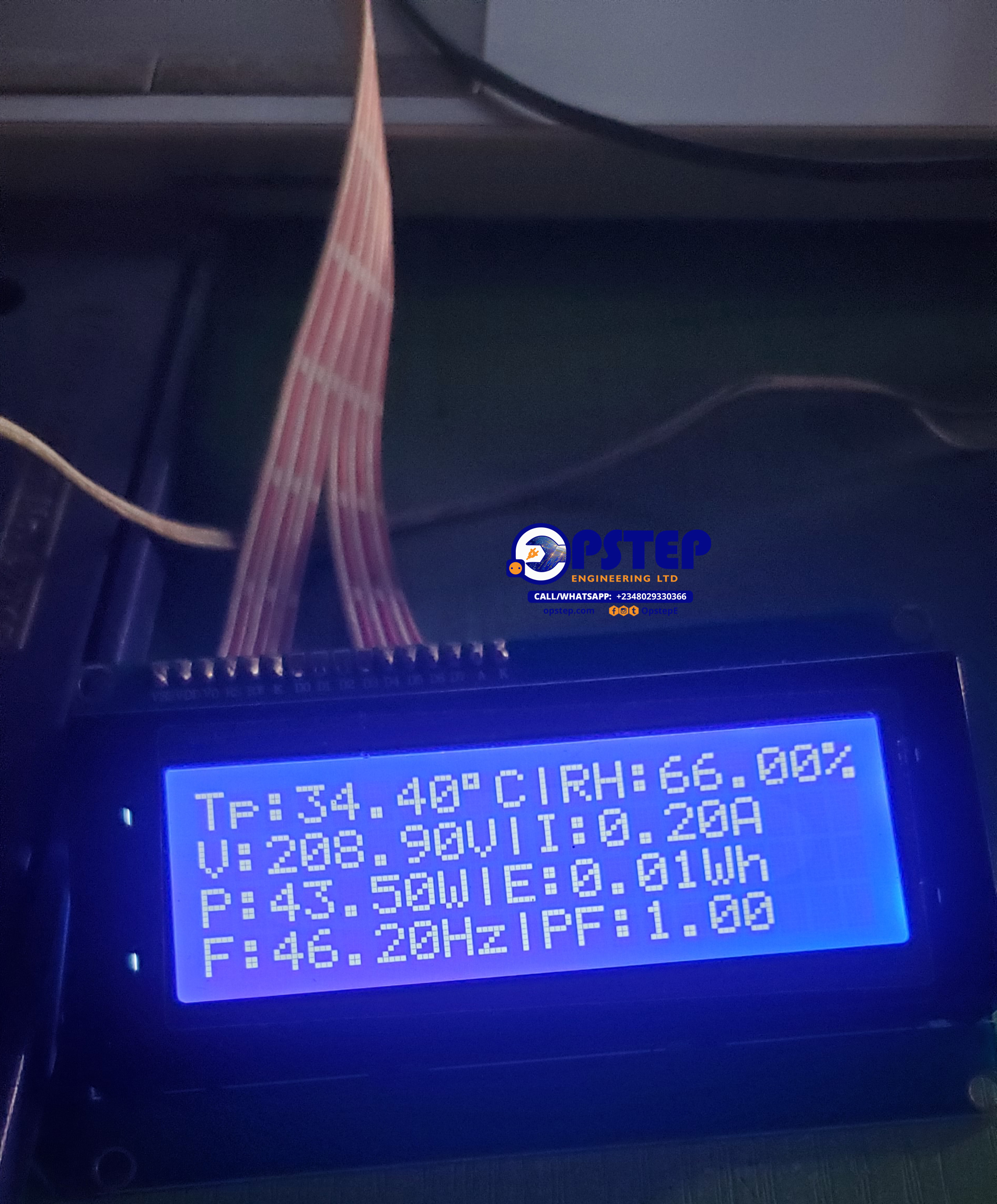
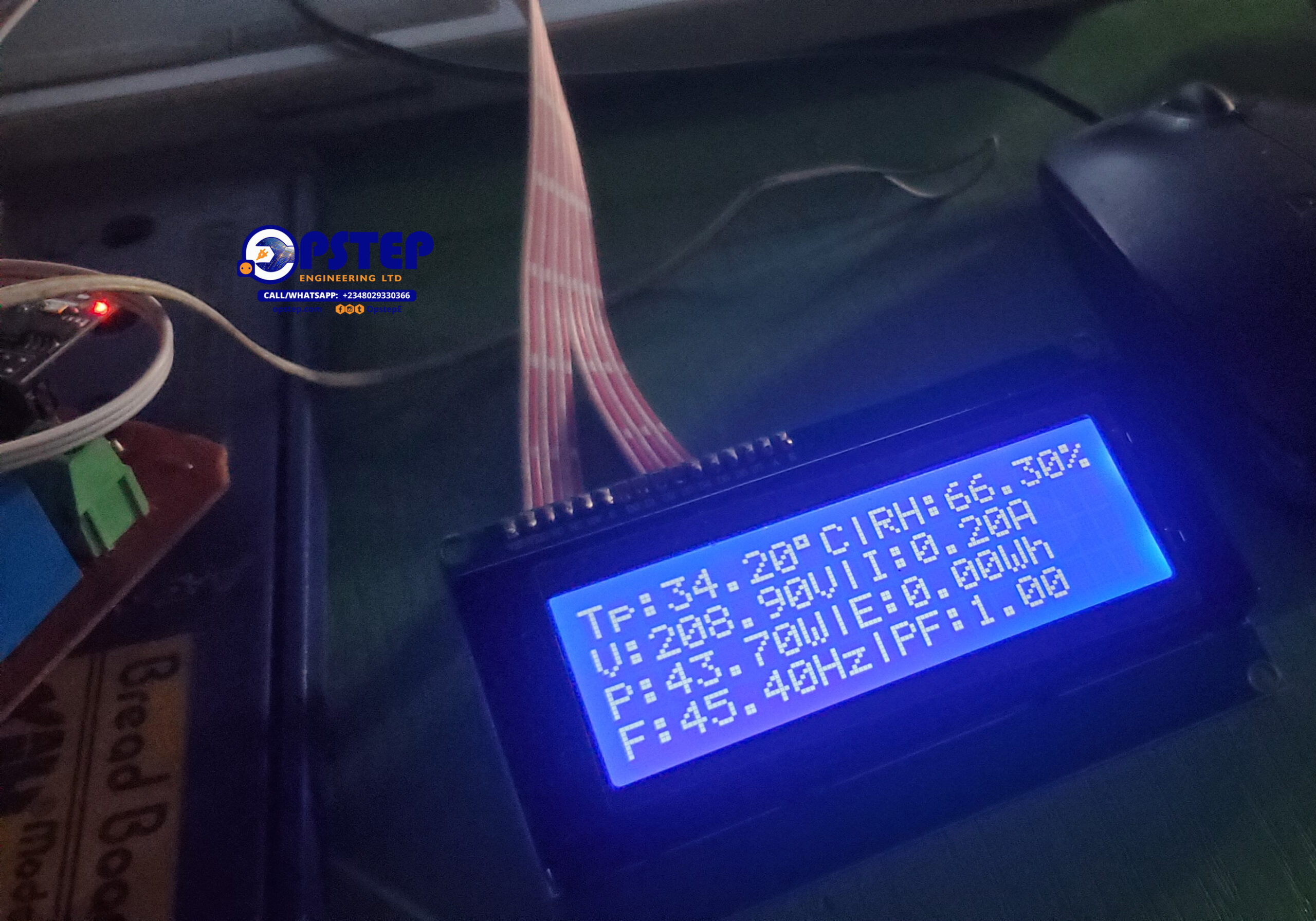
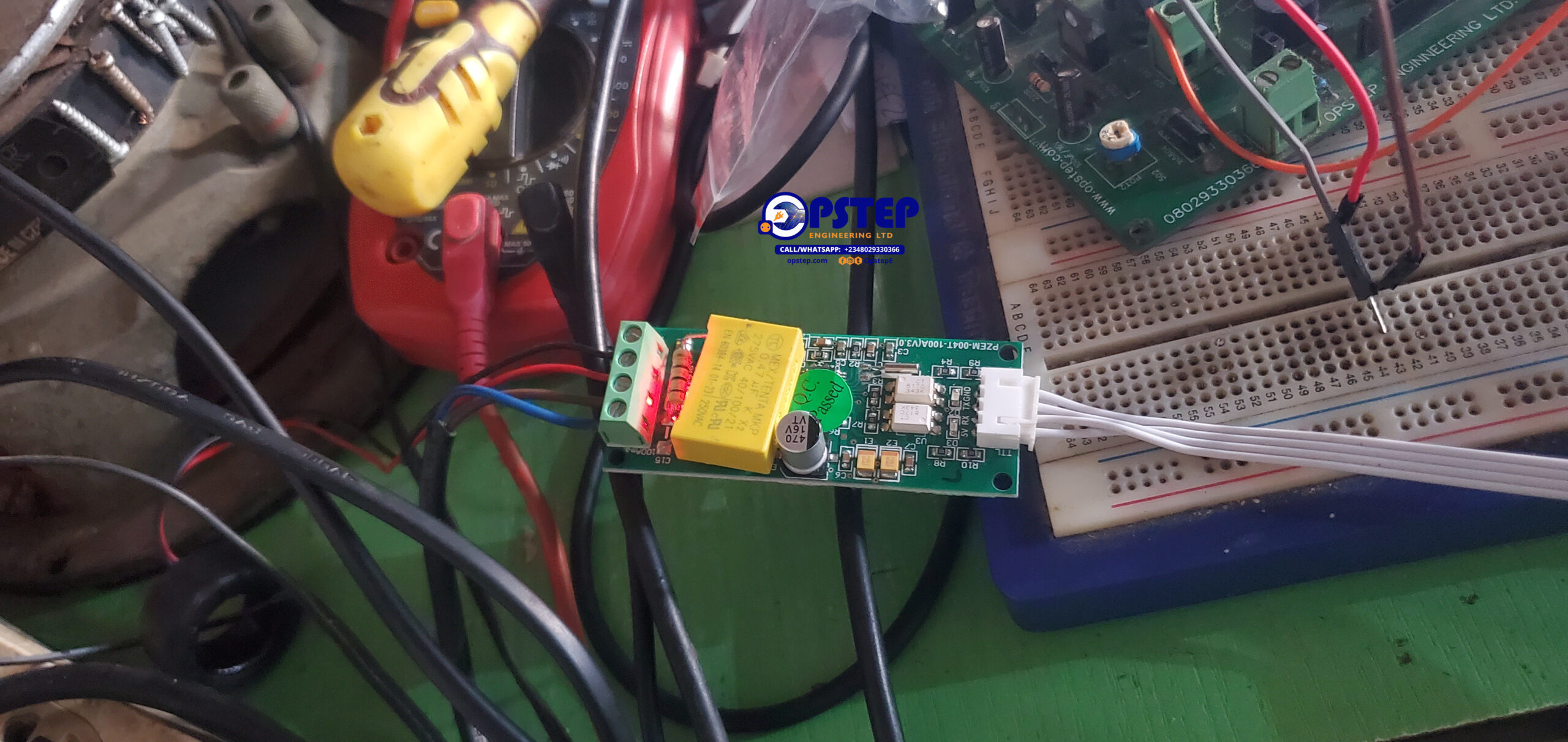
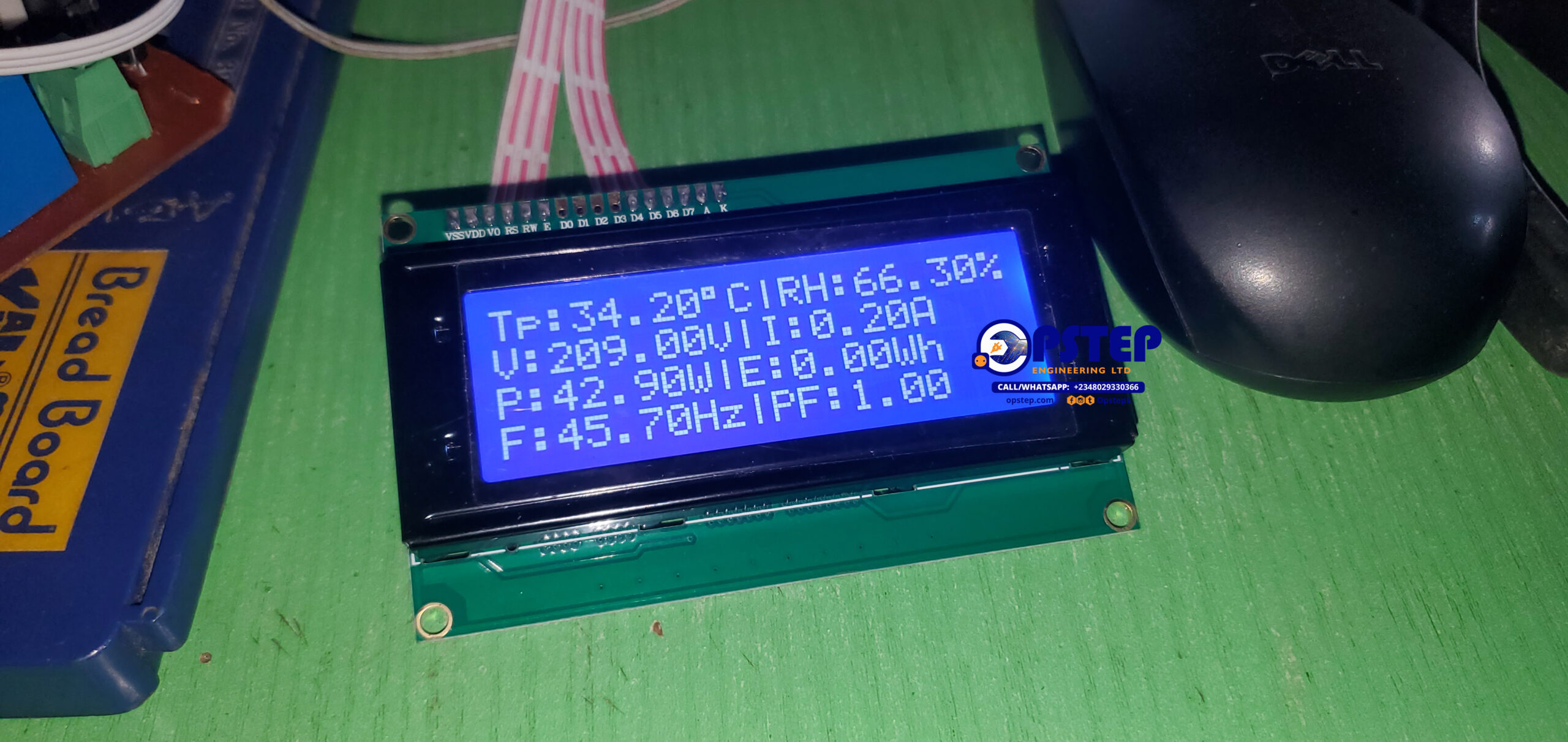
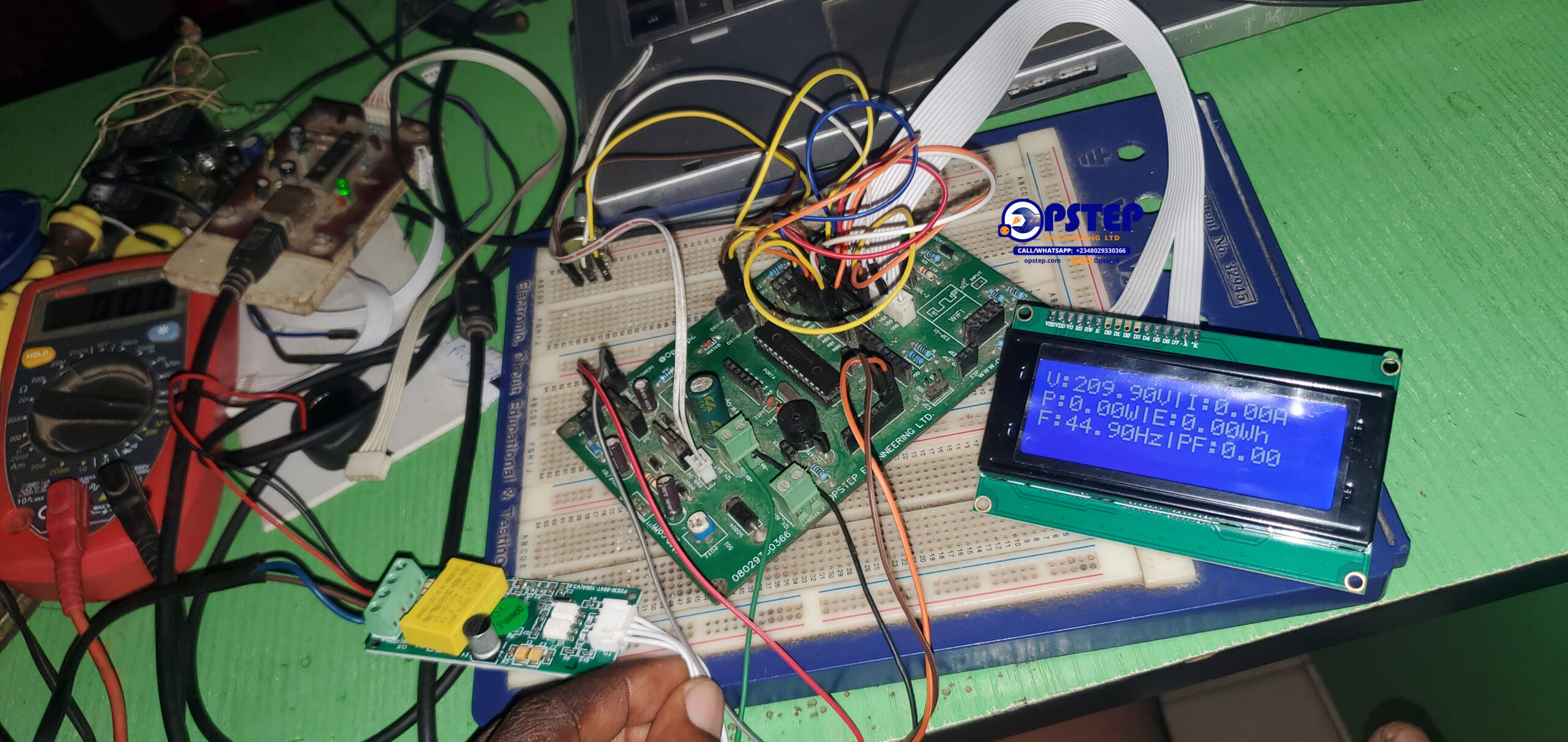
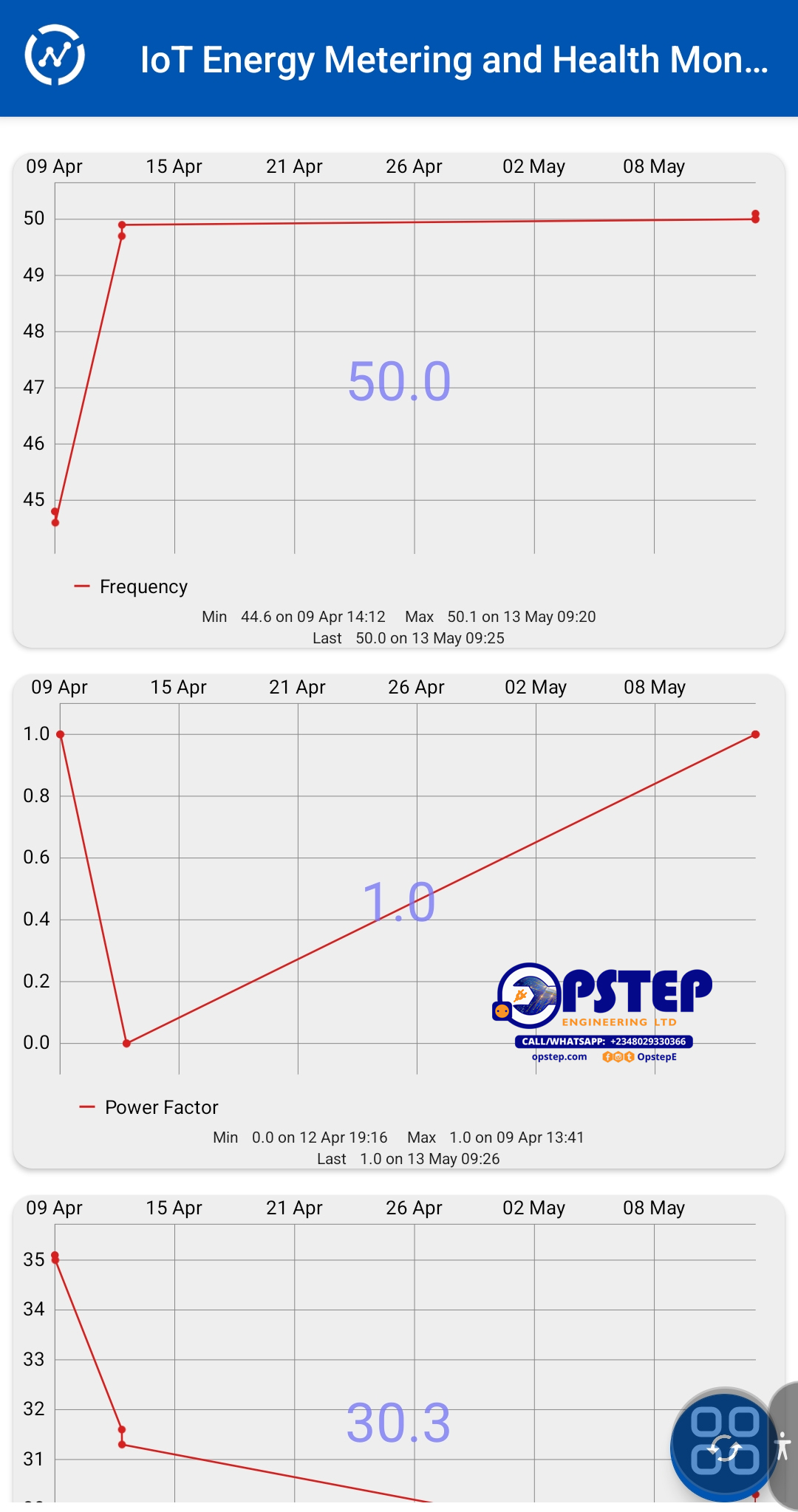
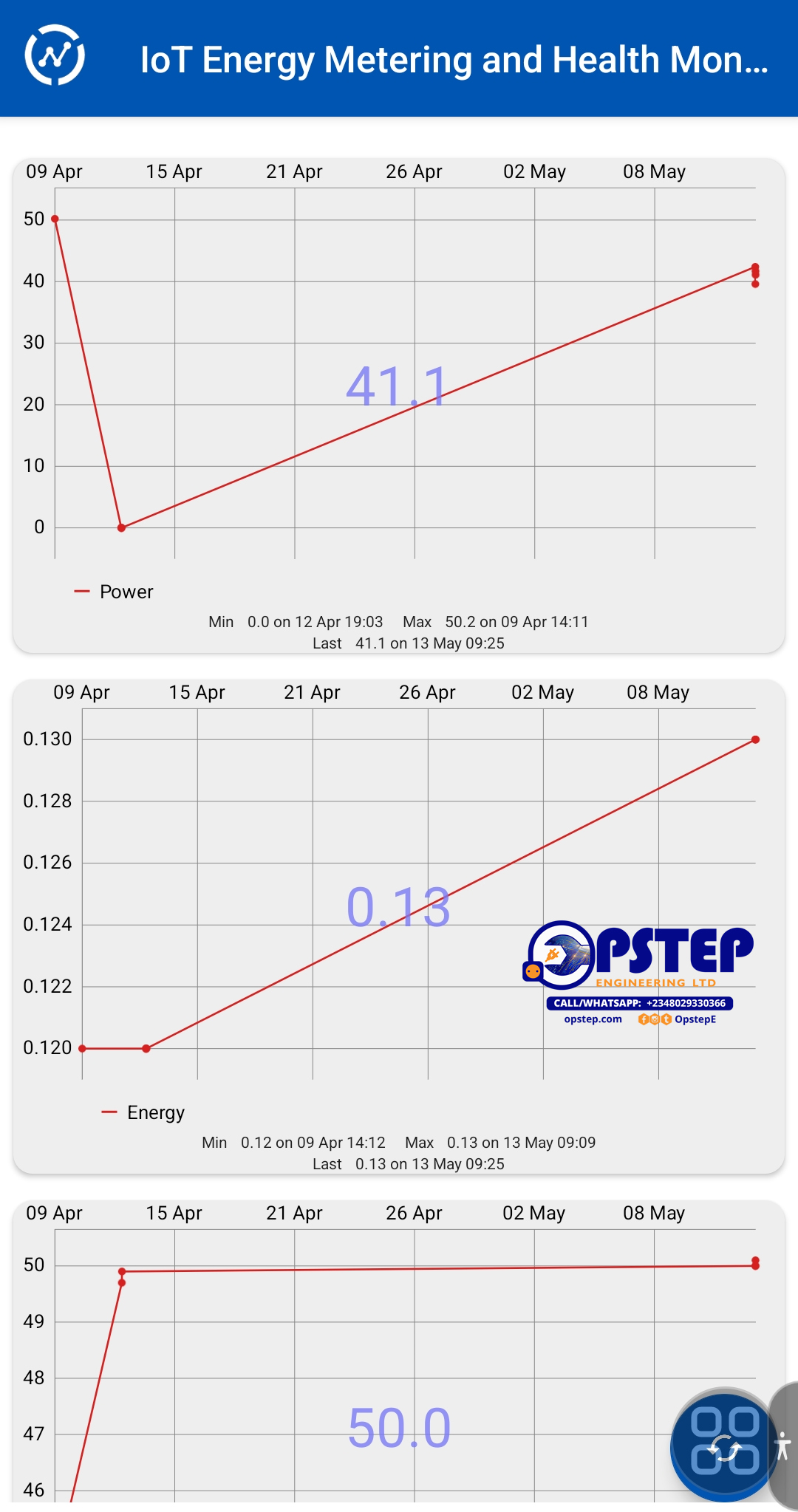
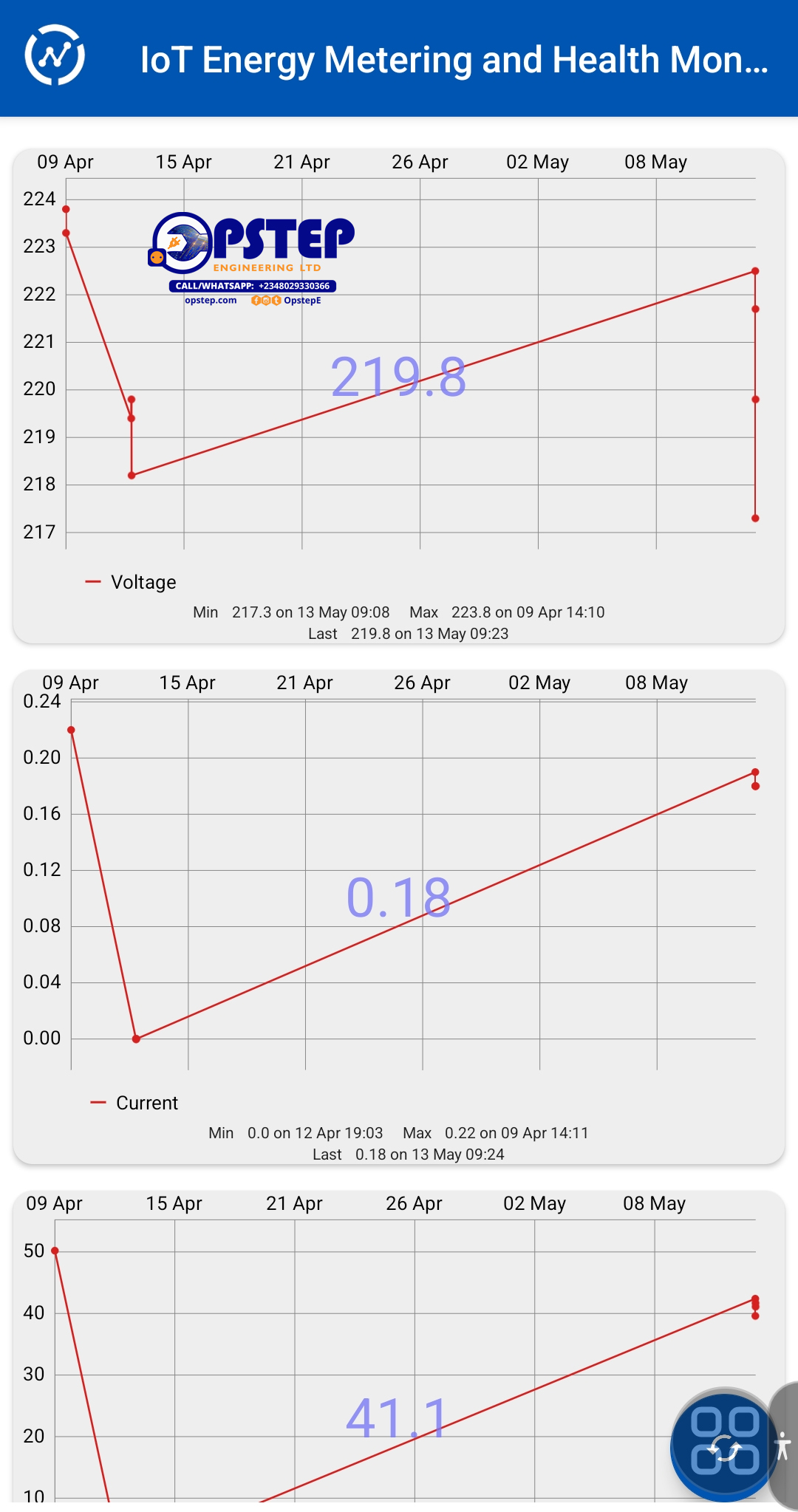
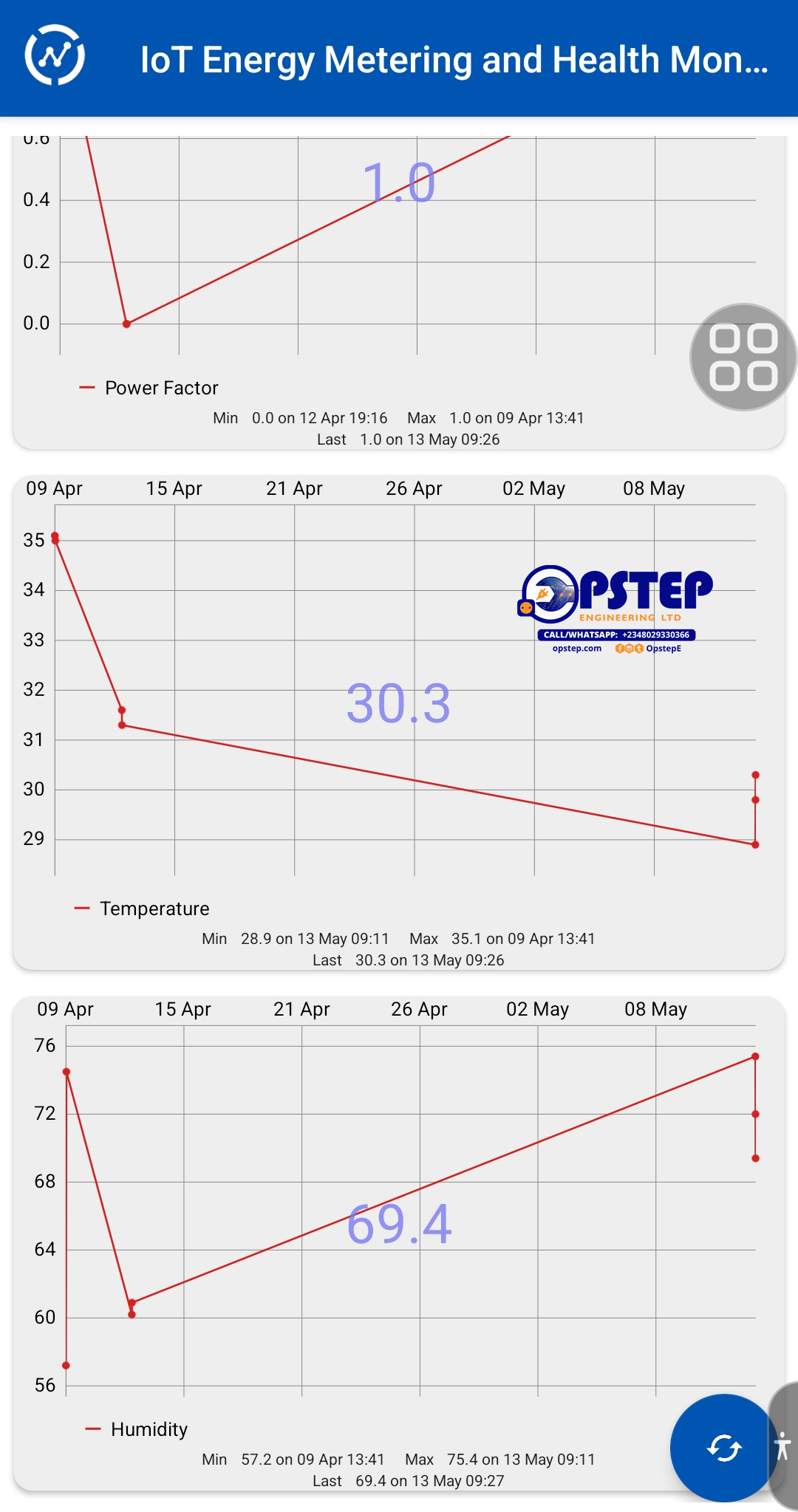
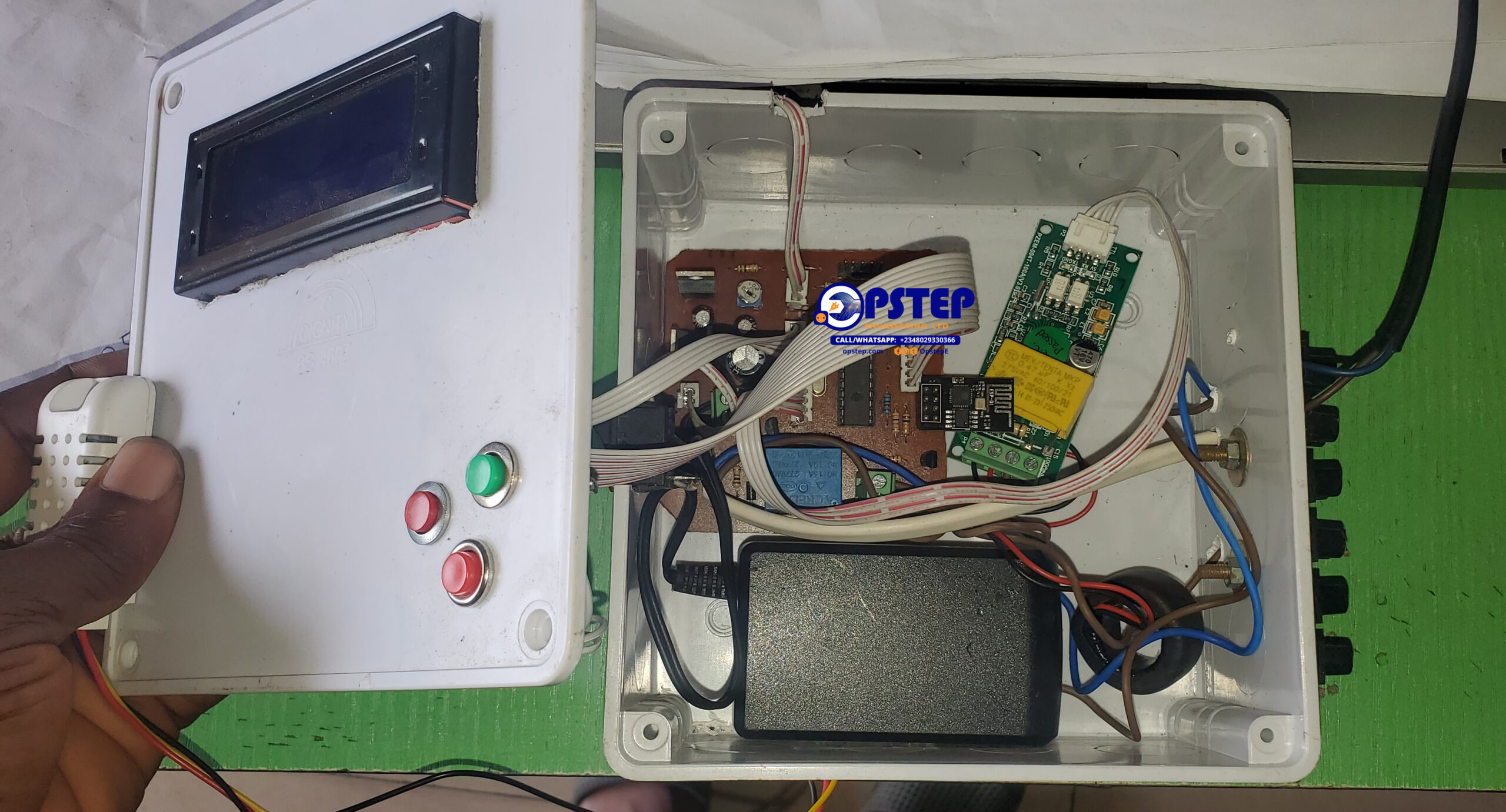
This project is an embedded IoT energy metering and environmental monitoring system developed around the PIC18F2620 microcontroller. The system uses the PZEM-004T-V3.0 energy meter to obtain electrical measurements including voltage, current, power, energy, frequency and power factor. A DHT22 sensor provides temperature and relative-humidity measurements, while a 4×20 LCD provides local monitoring of the measured parameters. An ESP8266-01 provides Wi-Fi connectivity. The PIC18F2620 communicates with the ESP8266 through UART and AT commands, allowing measured data to be uploaded to ThingSpeak for online monitoring. The ThingSpeak upload function was successfully implemented and tested on the physical prototype. The system also provides automatic load protection through a 10 A, 12 V relay. For the demonstrated 220–240 V AC switching arrangement, the intended load limit is approximately 2.4 kVA at 240 V. When the monitored current reaches the configured 9 A protection threshold, the microcontroller de-energizes the relay, removing power from the connected load while continuing to monitor the system. When operating conditions return to the safe range, the relay can be energized again to restore the load supply. The project was implemented as both a Proteus simulation and a working physical prototype.How the System Works
- The PIC18F2620 initializes the LCD, sensors, communication interfaces, relay and protection settings.
- The PZEM-004T-V3.0 measures the connected electrical parameters.
- The PIC18F2620 reads voltage, current, power, energy, frequency and power factor from the PZEM energy meter.
- The DHT22 measures the surrounding temperature and relative humidity.
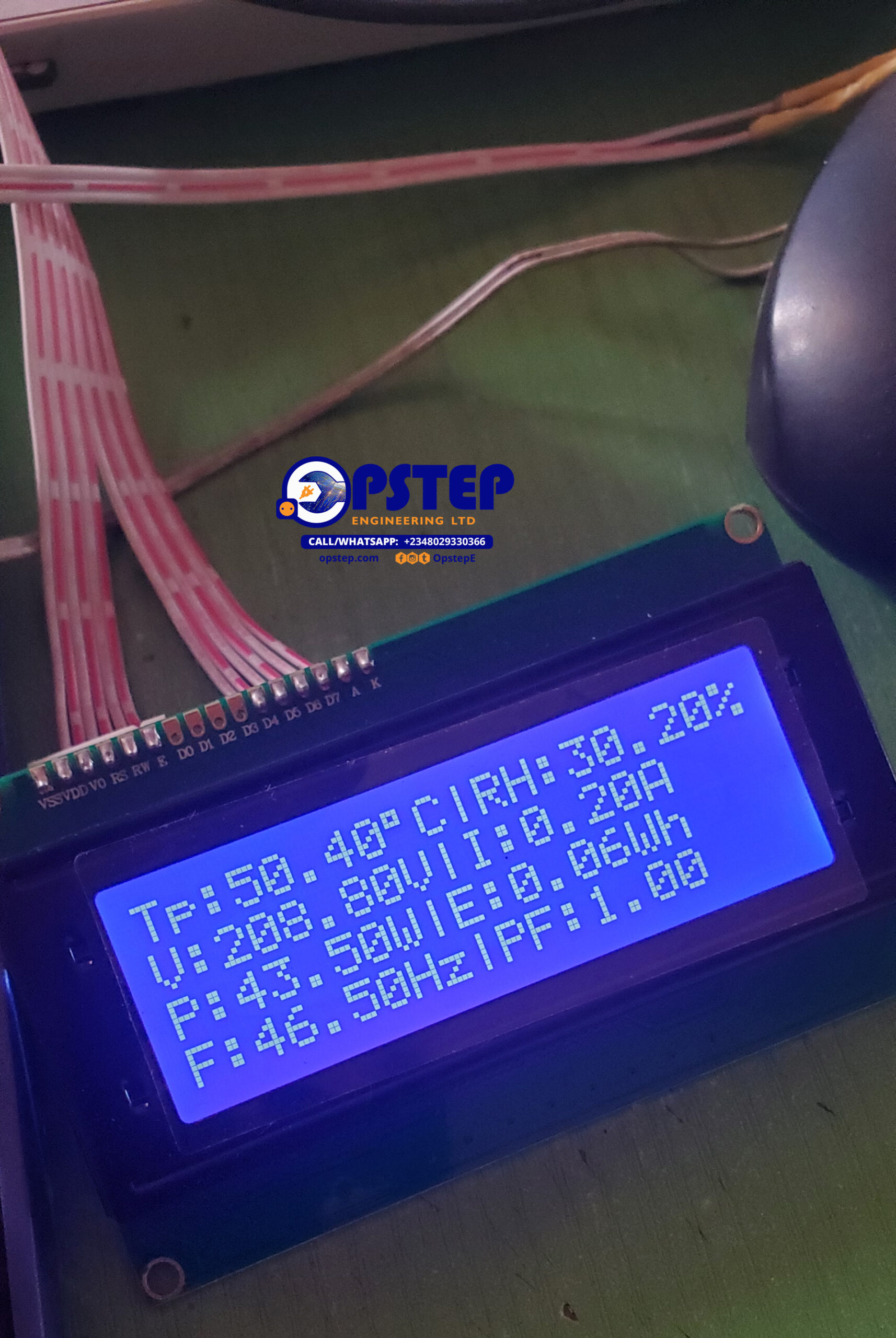
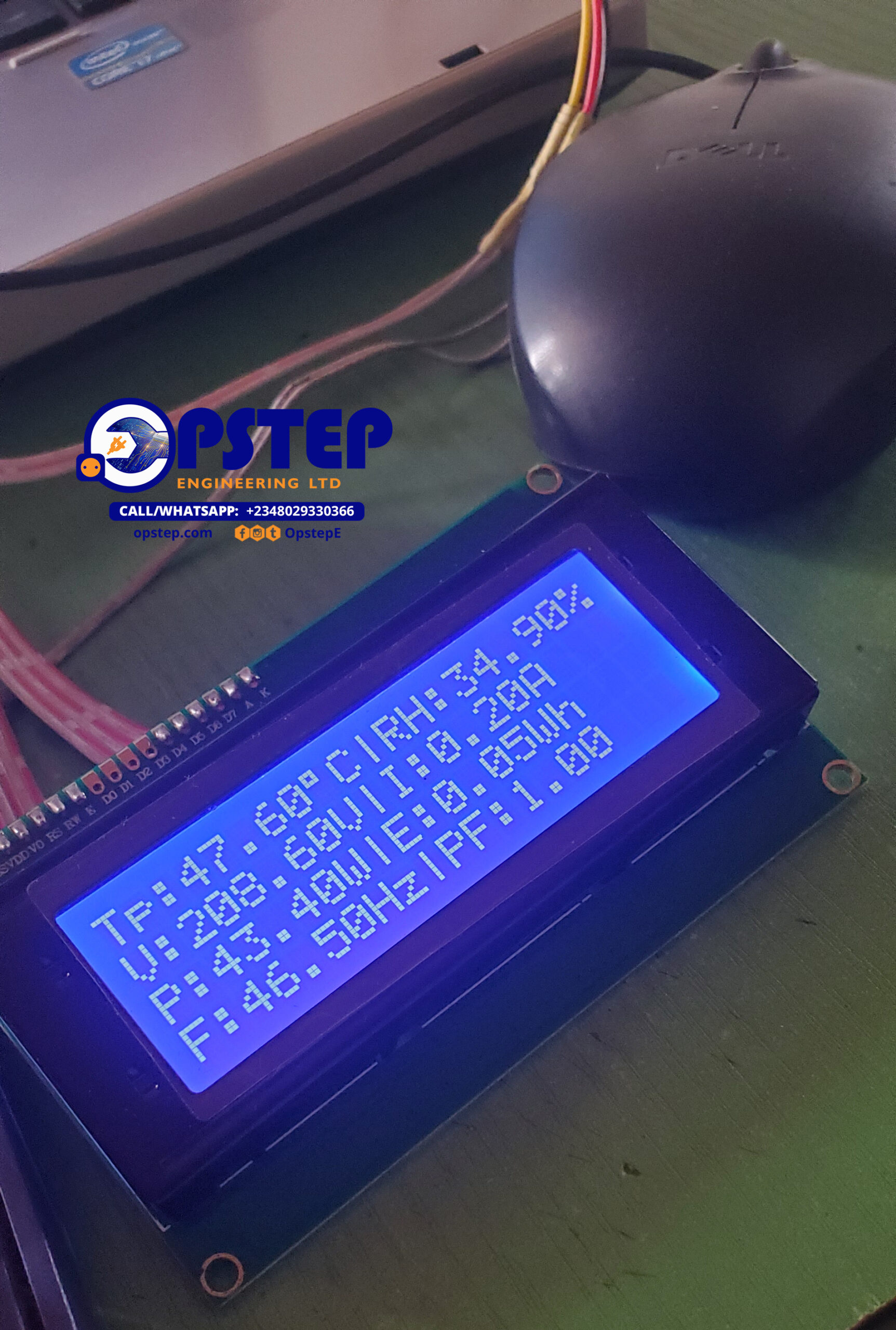
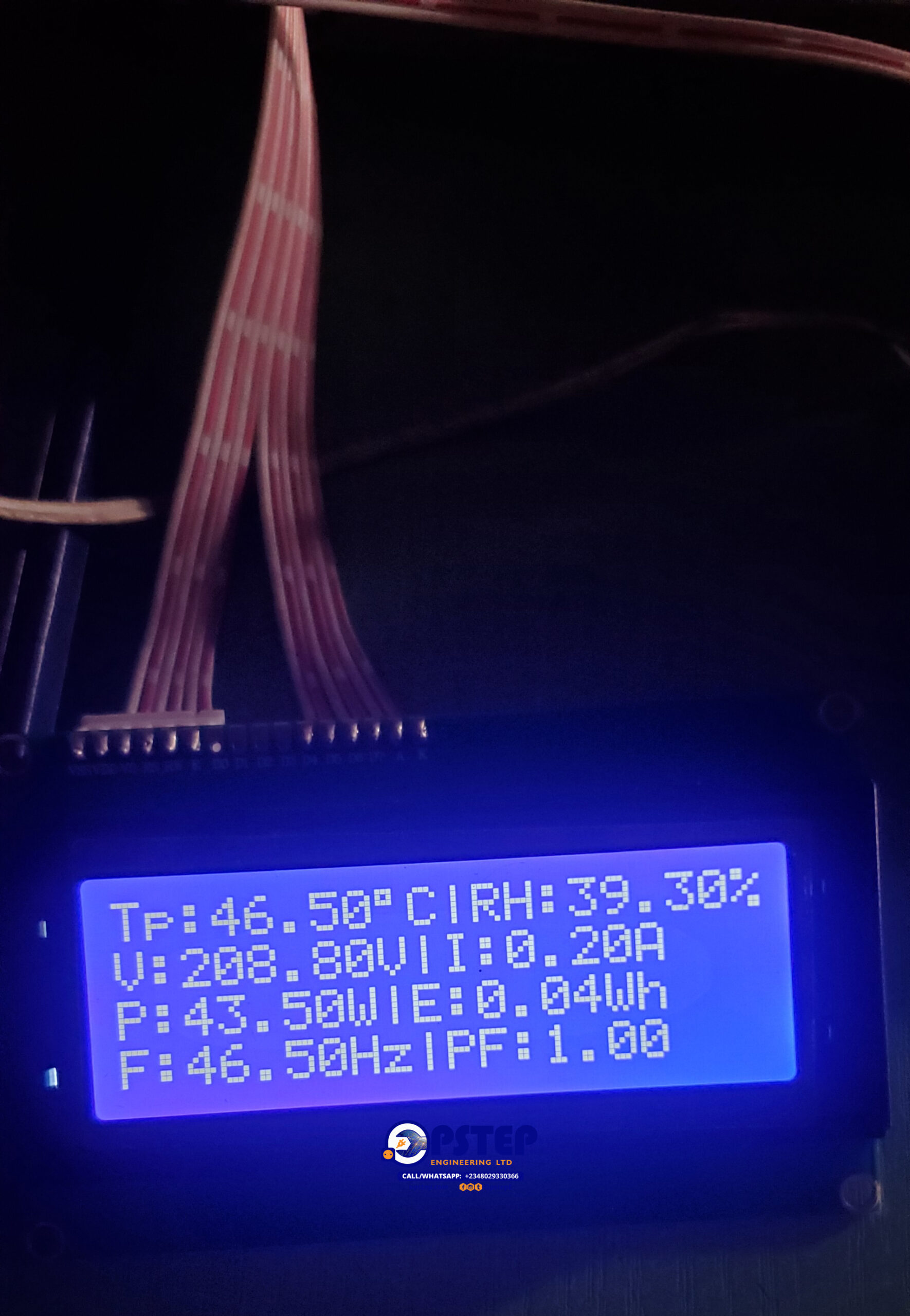
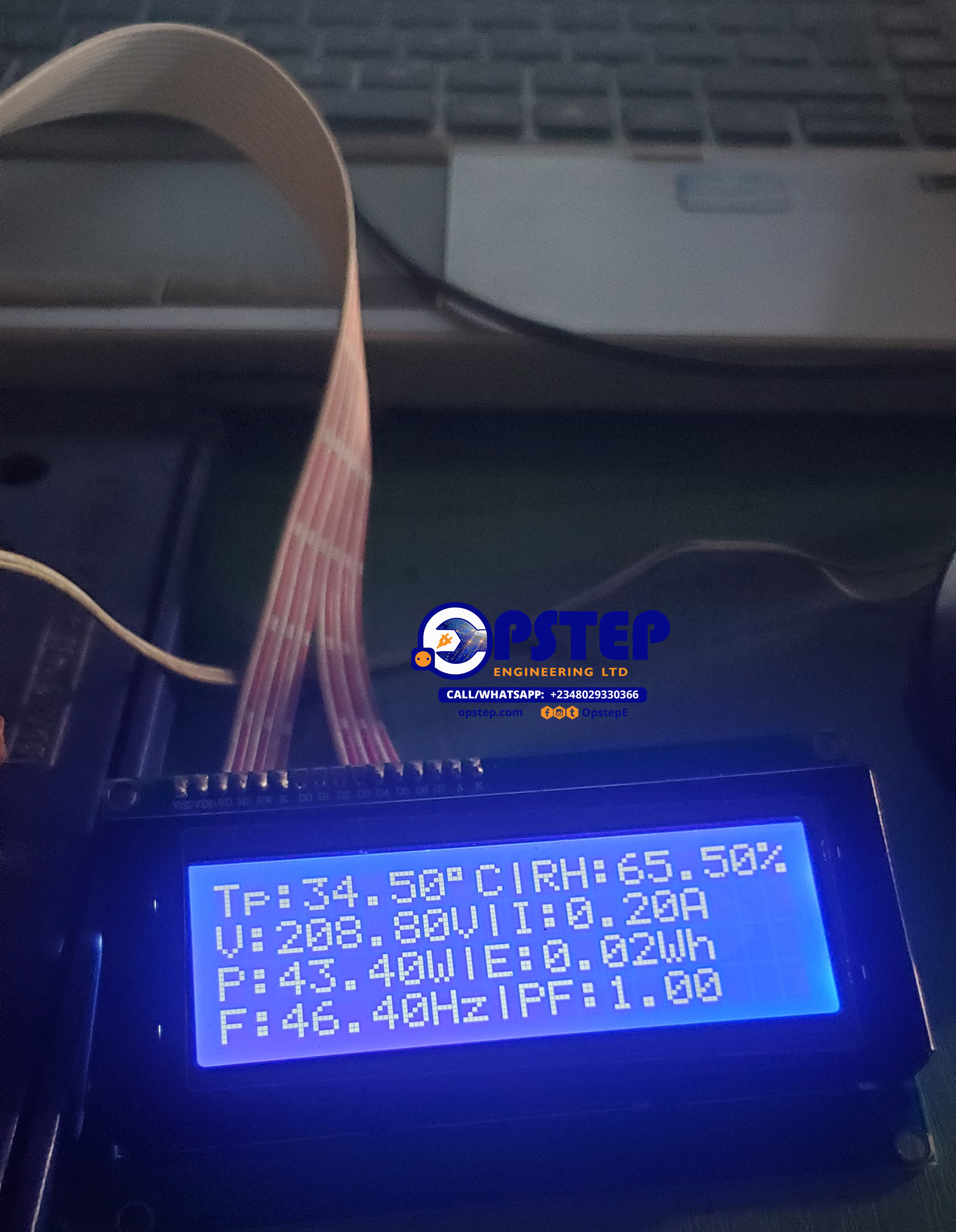
- The measured parameters are displayed locally on the 4×20 LCD.
- The user can configure selected protection thresholds using the INC, DEC and OK control buttons.
- The PIC18F2620 continuously evaluates the measured parameters against the configured protection limits.
- When the monitored current reaches the configured 9 A protection threshold, the microcontroller de-energizes the relay and disconnects the connected load.
- A buzzer provides an audible indication when a protection condition occurs.
- The system continues monitoring the electrical parameters while the load is disconnected.
- When the operating condition returns to the safe range, the relay can be energized again to restore power to the connected load.
- The PIC18F2620 communicates with the ESP8266-01 through UART using AT commands.
- The ESP8266-01 connects the system to a Wi-Fi network and transmits measured data to ThingSpeak.
- The system displays the upload process locally and confirms completion after a successful online update.
System Architecture
◆220–240 V AC Supply → PZEM-004T-V3.0 → Electrical Parameter Measurement
→
◆PIC18F2620 → Central Embedded Controller
→
◆PZEM-004T-V3.0 → PIC18F2620 → Voltage / Current / Power / Energy / Frequency / Power Factor
→
◆DHT22 → PIC18F2620 → Temperature / Relative Humidity
→
◆PIC18F2620 → 4×20 LCD → Local Parameter Display
→
◆INC / DEC / OK Buttons → PIC18F2620 → Threshold Configuration
→
◆PIC18F2620 → Relay Driver → 10 A / 12 V Relay → Connected AC Load
→
◆PIC18F2620 → Buzzer → Protection Alert
→
◆PIC18F2620 → UART → ESP8266-01 → Wi-Fi → ThingSpeak
→
◆PIC18F2620 → EEPROM → Stored Protection Settings
Project Gallery
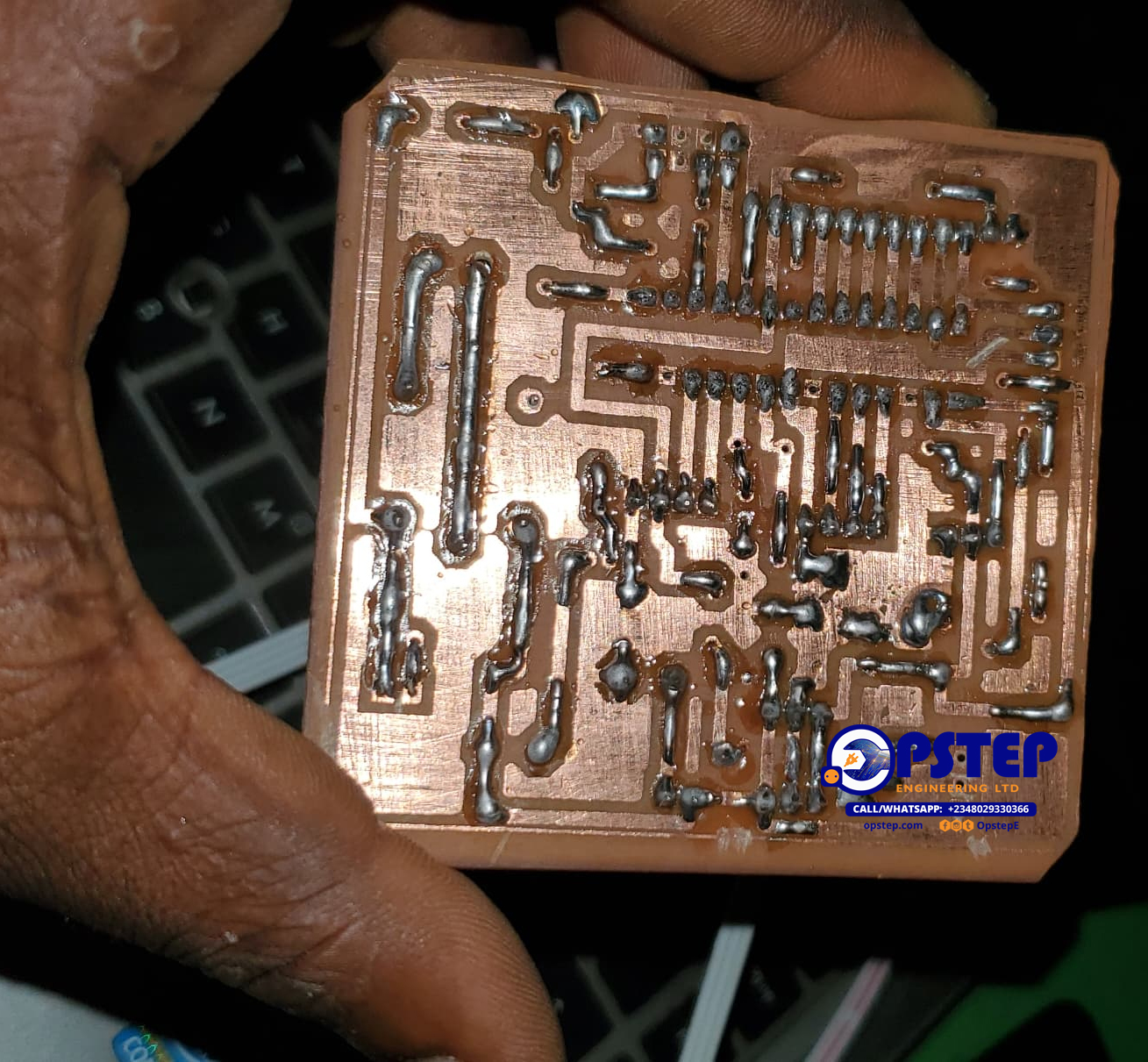
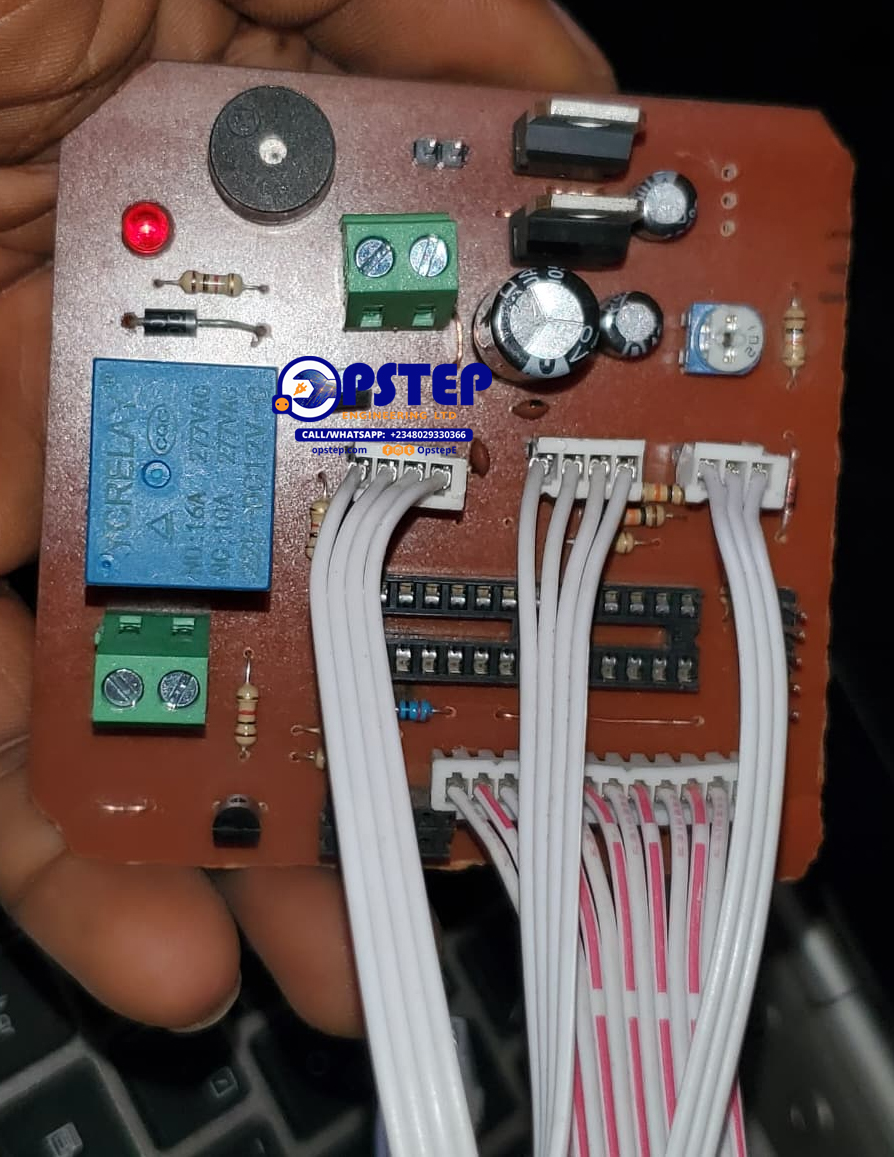
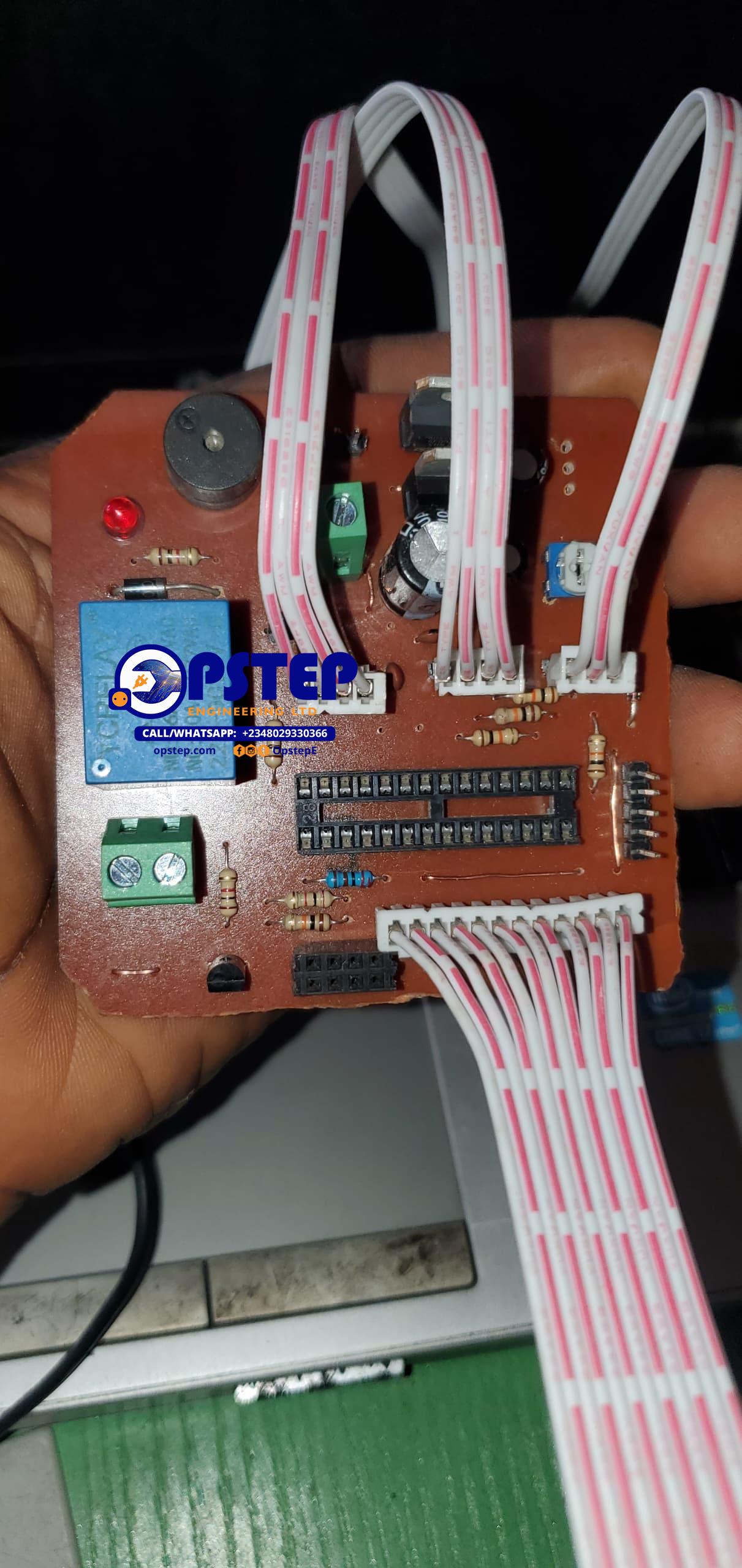
Actual project photographs and technical images.